Live

A camera that already knows what to do in your place.

Pick where it goes and we show you what it does from day one: it records, lets you check on everything and tells you when a camera goes offline. Five-minute setup, no technician.

Where does it go?

Want to build it your way? Automation editor and API

Example alerts

  • Home

    Laura checked the kitchen camera

  • Shop

    11:42 photo sent

  • Company

    Warehouse offline. Recording to the card

What it does in your place

It comes set up for where you put it, nothing to build. Each line says whether it works today or is still in pilot.

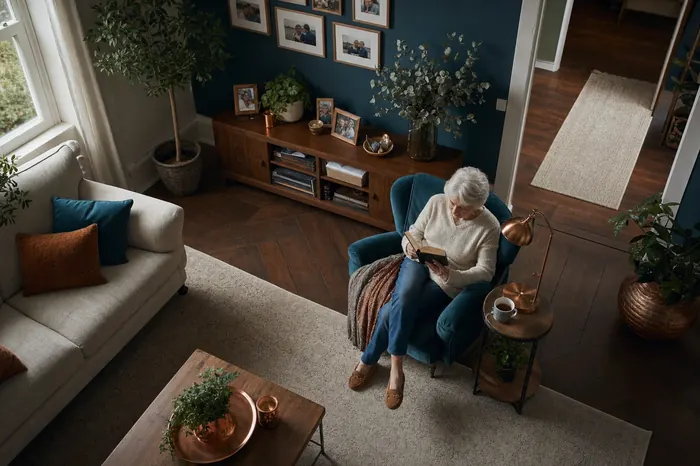
A living room seen from the camera

Laura checked the kitchen camera

For your home or your parents’.

Put it in the living room or by the door and that is it: you see how everything is from your phone, and only the people you authorize can see it.

  • If the camera goes offline, it lets you know.Works today
  • Always records to the card, even when the internet drops.Works today
  • A photo every few hours to check all is well.Works today
  • Each family member with their own user. The microphone comes off.Works today
  • They say "Hola Tero, I need help" and you get the alert.In pilot

We leave it running at setup. If you want to change something later, you do it from the dashboard or the app.
I want one for home

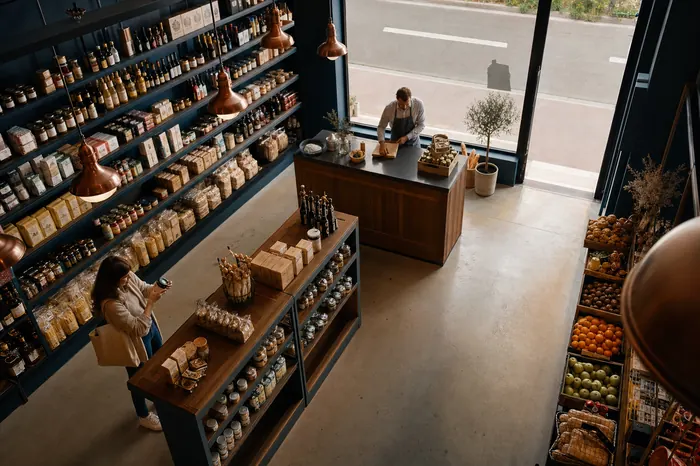
A grocery counter seen from the camera

11:42 photo sent

For your shop, open or closed.

You watch the shop live, it sends you photos through the day and tells you if the camera drops. Alerts while closed and people counting are in pilot.

  • If the camera drops, you find out before you need it.Works today
  • Scheduled photos to see how the day is going.Works today
  • Movement while closed: an alert with a photo.In pilot
  • Records only during opening hours.In pilot
  • How many people came in, hour by hour.In pilot
  • A queue at the till: the manager gets an alert with the photo.In pilot

No recorder, no PC and no cabling. See how each spot in the shop is measured

Book a demo for your shop

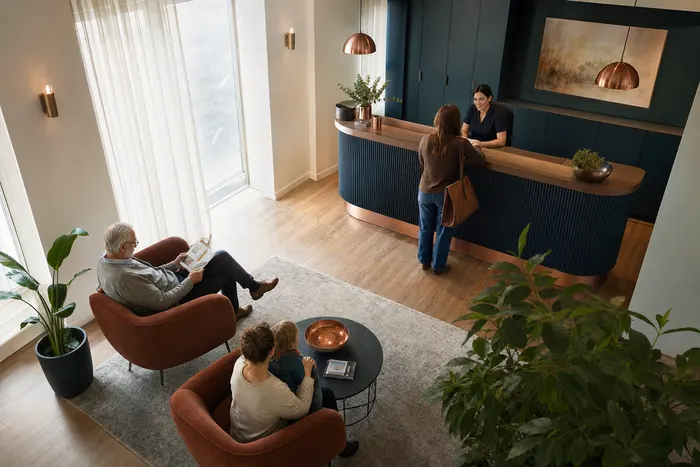
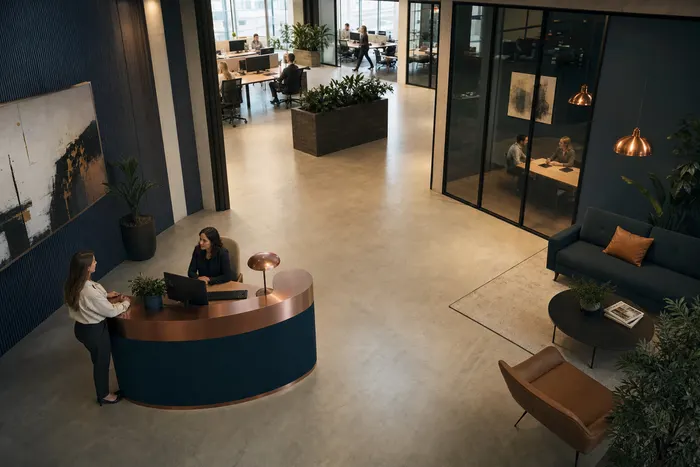
An office seen from the camera

Warehouse offline. Recording to the card

For offices, warehouses, factories and buildings.

Every site on one dashboard, each person with their permission and everything logged.

  • Users, roles and groups; who saw what is logged.Works today
  • Patrols between positions and remote administration.Works today
  • Connects to your systems through webhooks.Works today
  • Each site with its own hours: records and alerts when it should.In pilot
  • A chain of alerts when a device loses signal.In pilot
  • Floor plans with every camera, and live boards.In pilot

Use cases by sector (in Spanish): Offices · Warehouses · Manufacturing · Healthcare · Buildings · Education

Book a demo for your company

Up in five minutes. No technician.

The camera sets itself up from a QR code you make in your browser.

  1. Plug it in

    Into any USB charger, wherever you want it.

  2. Show it the QR

    Make it with your WiFi on the Setup page and hold it in front of the lens. It beeps and it is online. Make the QR

  3. Watch it on your phone

    Open the dashboard or the Android app and it is already live.

No recorder, no PC, no cabling.

It records to its own card and connects over WiFi: no NVR or DVR, no PC on site and no network cables to run.

See the full comparison for shops

Live on your phone, recording even when the internet drops.

The dashboard shows every camera live and what happened today. On your phone, the same.

  • Watches

    Live video in the browser and the app, night vision and continuous recording to the card. You pan it and save positions.

    Works today

  • Listens

    Recognizes "Hola Tero" on the device itself. Video sound comes off: you turn it on only if you want to.

    In pilot

  • Lets you know

    When a camera goes offline or one of your automations fires: on the dashboard or in your systems.

    Works today

Android app. Video, positions, photos and recordings from your phone. The iPhone app and alerts with the app closed come later. Works today

In pilot

You talk to it like a person

"Hola Tero" is detected inside the camera. Only once it hears it does it alert your family or your team. Video comes without sound and only has it if you choose.

It still needs validating with real voices, especially older people’s: we turn it on in a pilot with you.

  • The wake word is detected on the device
  • Video without sound out of the box
  • Answers in Spanish
At home

Hola Tero

Please ask Laura to call me.

Done, I let Laura know.

Keeping it running is our job.

Neither a home nor a shop has a technician on hand. So every camera watches over itself, and what it records is seen only by the people you choose.

Works today

If something fails, this happens on its own

  1. 10 sIf the video stops, it brings it back.
  2. 3 minIf the system freezes, a hardware watchdog restarts it.
  3. 15 minWithout WiFi, it restarts the connection, then the device.
  4. 05:00A daily preventive restart, when nobody is using it.
Keeps recording offline
It records to the card. The segments uploaded to the cloud play and download from the dashboard and the app.
Tells you if it drops
The dashboard and the app flag which camera went offline and when it came back.
Only the people you choose
Each person with their own user and permission: view only, or operate.
Microphone off out of the box
Sound is turned on and off from the app.
Deleted after 60 days
Photos, recordings and events stored in the cloud are deleted automatically.
Everything is logged
Who came in and what they did, in a log that is verified to detect tampering.

Automations

Everything it does is an automation. And you can change it.

The ones for your place come ready. If you want to go further, open them in the editor: three pieces, any combination.

Tap a step to see it in the video.

The ones for your place come ready

Home

  • WhenThe camera loses signal

    Iffor more than 10 minutes

    Doesalert on the dashboard

    In pilot
  • WhenEvery 3 hours

    Doestakes a photo

    Works today
  • When"Hola Tero, I need help"

    Doesalerts the family

    In pilot

Shop

  • WhenMovement at the entrance

    Ifoutside opening hours

    Doesturns to the door, takes a photo and alerts

    In pilot
  • WhenThe shop opens

    Doesstarts recording

    In pilot
  • WhenMore than 5 people at the till

    Iffor 3 minutes

    Doesalerts the manager with the photo

    In pilot

Company

  • WhenA device loses signal

    Ifrepeated 3 times

    Doesemail and webhook to your system

    In pilot
  • WhenAn event from any camera

    Doessigned webhook to your system

    Works today
  • WhenThe site closes

    Doesstarts the patrol

    In pilot
  • The automation editor Works today
  • Ready-made templates In pilot
  • Simple and advanced mode In pilot
  • Places with opening hours In pilot
  • AI in automations In pilot

And if you want, build it yourself.

The editor building "After hours: Local Centro" end to end: movement at the entrance, outside opening hours, the camera turns to the door, takes a photo and alerts. Then it is tested and each step turns green.

Demo footage
Recording of the automation editor: a camera event, the "Within opening hours" condition with its Inside and Outside outputs, a debounce, go to a position, take a photo, a dashboard alert and an email are dragged in; it is saved, turned on and tested. Recorded in the TeroVision panel, with simulated cameras on a demo database. The panel is in Spanish.
Demo footage
Recording of the automation editor: a camera event, the "Within opening hours" condition with its Inside and Outside outputs, a debounce, go to a position, take a photo, a dashboard alert and an email are dragged in; it is saved, turned on and tested. Recorded in the TeroVision panel, with simulated cameras on a demo database. The panel is in Spanish.

Want to build it your way?

Everything the camera does is an automation you can open and change: triggers, conditions, camera actions, AI and outputs to your systems. And if you run your own software, there are webhooks and an API.

  • Signed webhooks, MQTT and RTMP Works today

    Inbound and outbound, with one MQTT user per space and video over RTMP. To connect it to Home Assistant, Node-RED or your own software.

  • API and SDK In pilot

    REST API with per-space keys, SDKs for TypeScript and Python, and a portal in Spanish and English.

  • AI with your provider In pilot

    A block asks a model about the photo and the flow continues on the answer. With your keys.

  • Your own server In pilot

    Video and analysis run on your network, with your GPU and behind your domain.

Use cases by sector

Senior care, healthcare, retail, factories, offices and more. Each page says what works today and what is still in pilot. The pages are in Spanish.

See all use cases and the status of each feature

Specs

Light on your network and your installation: it plugs into a USB charger and joins your WiFi. No NVR or DVR, no PC and no network cabling.

Power
USB 5 V (standard charger)
Video
1920 × 1080 at 15 fps (H.264 / H.265) plus a light 720p stream
Movement
Pan and tilt, with saved positions and automatic return
Bandwidth
≈ 2 Mbps high quality, ≈ 0.5 Mbps light
microSD recording
≈ 0.9 GB per hour of continuous recording
Connectivity
2.4 GHz 802.11n WiFi, with a backup network
Night
Invisible 940 nm infrared
Audio
Microphone and speaker, announcements in Spanish
Wake word
On the device: ~7 % CPU, under 1 MB of memory
Integrations
MQTT, RTMP / RTMPS, WebRTC, webhooks, Discord

Monthly data use

Quality

27 GB per month

Recording to the card uses no internet. Estimate over 30 days.

Frequently asked questions

Do I have to set it up myself?

No. At setup we leave it running with what your place needs: recording, photos, an alert if it goes offline and a user for each person. If you want to change something later, you do it from the dashboard or the app.

Can I change what it does?

Yes. Everything it does is an automation: you open it in the editor and change when it starts, which condition has to be met and what it does. The editor works today; ready-made templates and simple and advanced mode are in pilot.

Does it work for my home and my business at the same time?

Yes. Each place is a separate space, with its own cameras, users and permissions, and you sign in to both with the same account.

Does it listen to everything?

No. "Hola Tero" is detected inside the camera and only then does it alert. It is in pilot. Video comes without sound; audio is turned on only if you choose.

Who can see my mom's or dad's camera?

Only the people you authorize, each with their own user and permission. Who came in is logged.

Do I need internet all the time?

No. It records to the microSD when the connection drops. To watch it live from elsewhere you do need internet.

What if the power goes out?

When it comes back, it starts on its own with the same settings, and the dashboard shows when it was offline.

Does it work for several shops?

Yes. The dashboard shows every camera in every shop, with its status and events.

Can I integrate it with my system?

Yes. Signed inbound and outbound webhooks, MQTT over TLS and video over RTMP. That works today. The API with SDKs is in pilot.

Shall we see it working in your place?

Tell us where it will go. We show it to you working and put together a proposal for your home, your shop or your company.

Or email us at hola@terovision.com